💬 Chatify — Real-Time Chat Application - First Localy Test....
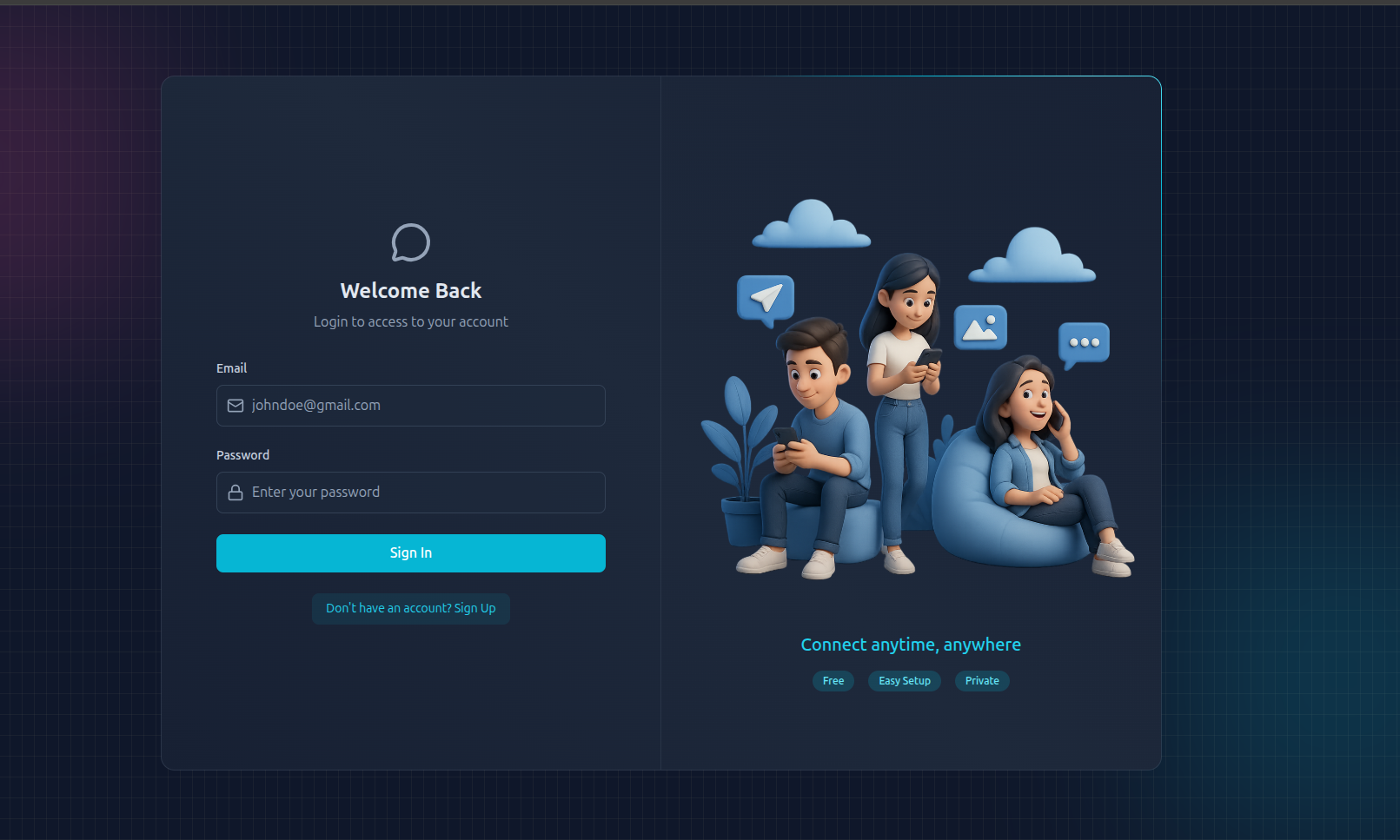
Overview
Chatify is a modern, full-stack real-time chat platform designed to make communication fast, seamless, and interactive. It’s built using Node.js, Express, and MongoDB on the backend, while the frontend uses React, Tailwind CSS, and DaisyUI for a beautiful, responsive interface.
The app provides secure authentication using custom JWT-based login, ensuring complete control over user sessions without relying on third-party services. Real-time messaging is powered by Socket.io, allowing users to send and receive messages instantly, see who’s online, and even view typing indicators. Chatify also includes media uploads through Cloudinary, email notifications using Resend, and request protection with Arcjet rate limiting.
The overall goal of Chatify is to deliver a smooth, modern chatting experience that feels real-time, responsive, and reliable — perfect for learning full-stack concepts or deploying a small-scale production-ready chat system.
🏗️ Project Structure
Chatify-app/
│
├── backend/ # Node.js + Express server
├── frontend/ # React + Tailwind client
└── README.md
⚙️ Environment Setup
🔧 Backend (/backend)
Before running the backend, create a .env file inside the backend directory and configure the following environment variables:
env
PORT=3000
MONGO_URI=your_mongo_uri_here
NODE_ENV=development
JWT_SECRET=your_jwt_secret

# Email (Resend)                   // for email sender
RESEND_API_KEY=your_resend_api_key
EMAIL_FROM=your_email_from_address
EMAIL_FROM_NAME=your_email_from_name

# Client URL
CLIENT_URL=http://localhost:5173

# Cloudinary (Image Uploads)              // optional if you want to user upload images also do
CLOUDINARY_CLOUD_NAME=your_cloudinary_cloud_name
CLOUDINARY_API_KEY=your_cloudinary_api_key
CLOUDINARY_API_SECRET=your_cloudinary_api_secret

# Arcjet (Rate-Limiting)     // optional for security
ARCJET_KEY=your_arcjet_key
ARCJET_ENV=development
🧰 Installation & Local Run
1️⃣ Clone the Repository
Start by cloning the repository and navigating into the project folder:
git clone https://github.com/muhammadiishaq/Chatifyapp.git
cd Chatify-app
2️⃣ Setup and Run the Backend
Install dependencies and run the backend in development mode also make sure npm version 20+ accept :…
cd backend
npm install
npm run dev
The backend will start on http://localhost:3000 and automatically connect to your MongoDB database
3️⃣ Setup and Run the Frontend
Open a new terminal window and start the React app:
cd frontend
npm install
npm run dev
The frontend will be available on http://localhost:5173 and will communicate directly with the backend server.
💬 Testing the Application
Once both frontend and backend are running, open two browser tabs or windows.
-
Login or register with two different accounts.
-
Start a chat between the two users.
-
You’ll see real-time updates, online/offline status, and typing indicators — all powered by Socket.io.
Images can be uploaded through Cloudinary, and upon signing up, users will receive welcome emails using the Resend service. The overall experience combines responsiveness, reliability, and simplicity in one complete application.
🧩 Technologies Used
Chatify combines several modern tools and technologies to deliver an engaging chat experience:
- Frontend: React, Tailwind CSS, DaisyUI, Zustand
- Backend: Node.js, Express, Socket.io, MongoDB
- Storage & Media: Cloudinary
- Email & Notifications: Resend API
- Security & Rate Limiting: JWT, Arcjet
🚧 Next Improvements…💭
The next phase of Chatify will include full Docker support, CI/CD integration using Jenkins, and deployment on cloud platforms like AWS or Render. The application will also include HTTPS with Nginx reverse proxy for added security.
💡 Next Step: Once the local setup is fully functional, we’ll proceed to dockerize Chatify using Dockerfile and docker-compose.yml, making it production-ready and deployable through Jenkins pipelines.