TWS-Shop with DevSecOps Pipeline Github-Action.....🚀
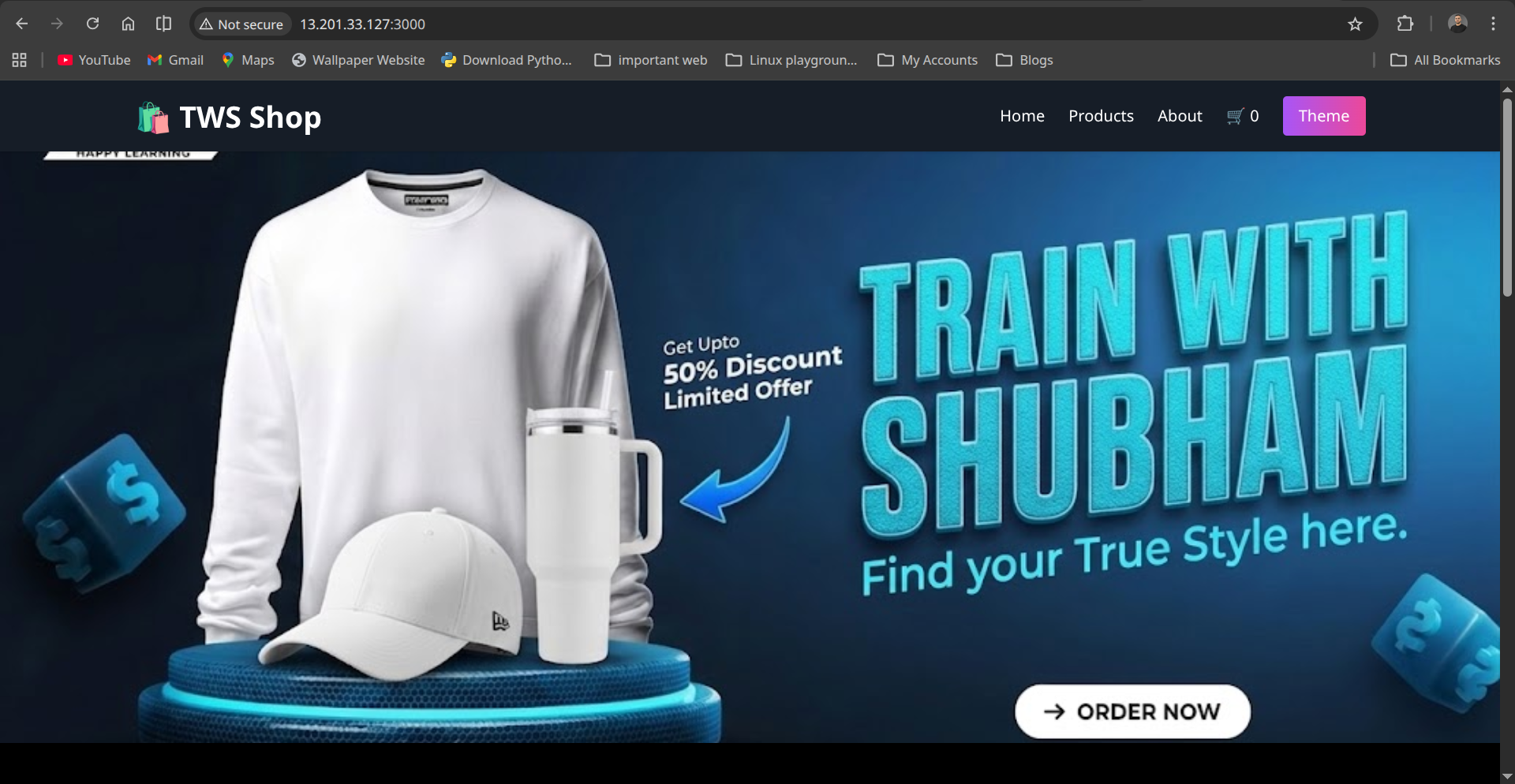
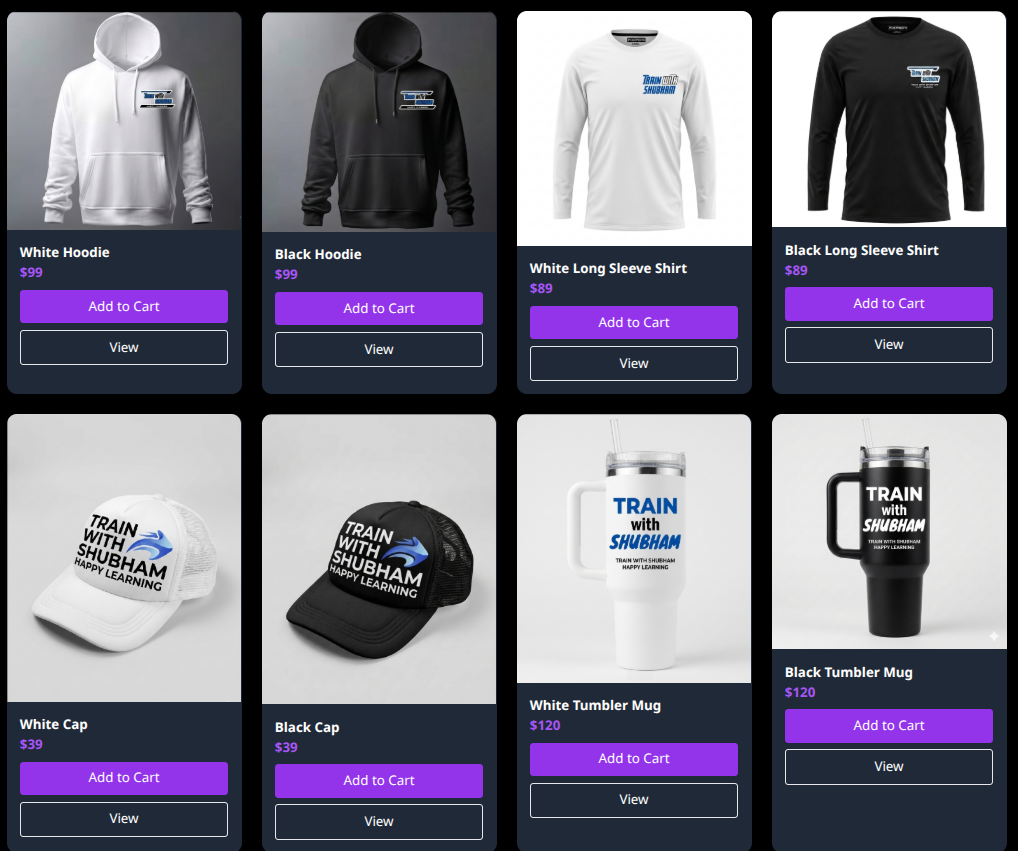
Project Overview
TWS-Shop is a modern, static e-commerce web application showcasing products with HTML, CSS, and JavaScript.
This project also integrates a full DevSecOps pipeline using GitHub Actions, including:
- Code quality checks with ESLint
- Dependency vulnerability scanning (Node.js packages)
- Secrets scanning
- Dockerfile linting
- Docker image build and push
- Image scanning using Trivy
- Deployment to a server via Docker Compose
This ensures secure code and images are deployed to production.
Project Structure folder overview
public/— Static assets (CSS, JS, images)views/— HTML pagesserver.js— Express server to serve pages (for local testing)test/— Node.js test files.github/workflows/— GitHub Actions workflows
Local Setup and Testing
Prerequisites
- Node.js >= 18
- npm
- Docker (optional, for container testing)
Install Dependencies
npm install
Run Tests
npm test
You can add more tests in test/server.test.js.
Run Locally
node server.js
Open your browser at http://localhost:3000
Quick Test with Docker Image
If you want to run the app immediately without building locally, you can use the prebuilt Docker image:
First pull images from docker-hub and run image.
docker pull muhammadiishaq/tws_shop:latest
docker run -dp 3000:3000 muhammadiishaq/tws_shop:latest
Then open http://localhost:3000 in your browser.
Or other way if you prefer Docker Compose:
docker-compose up
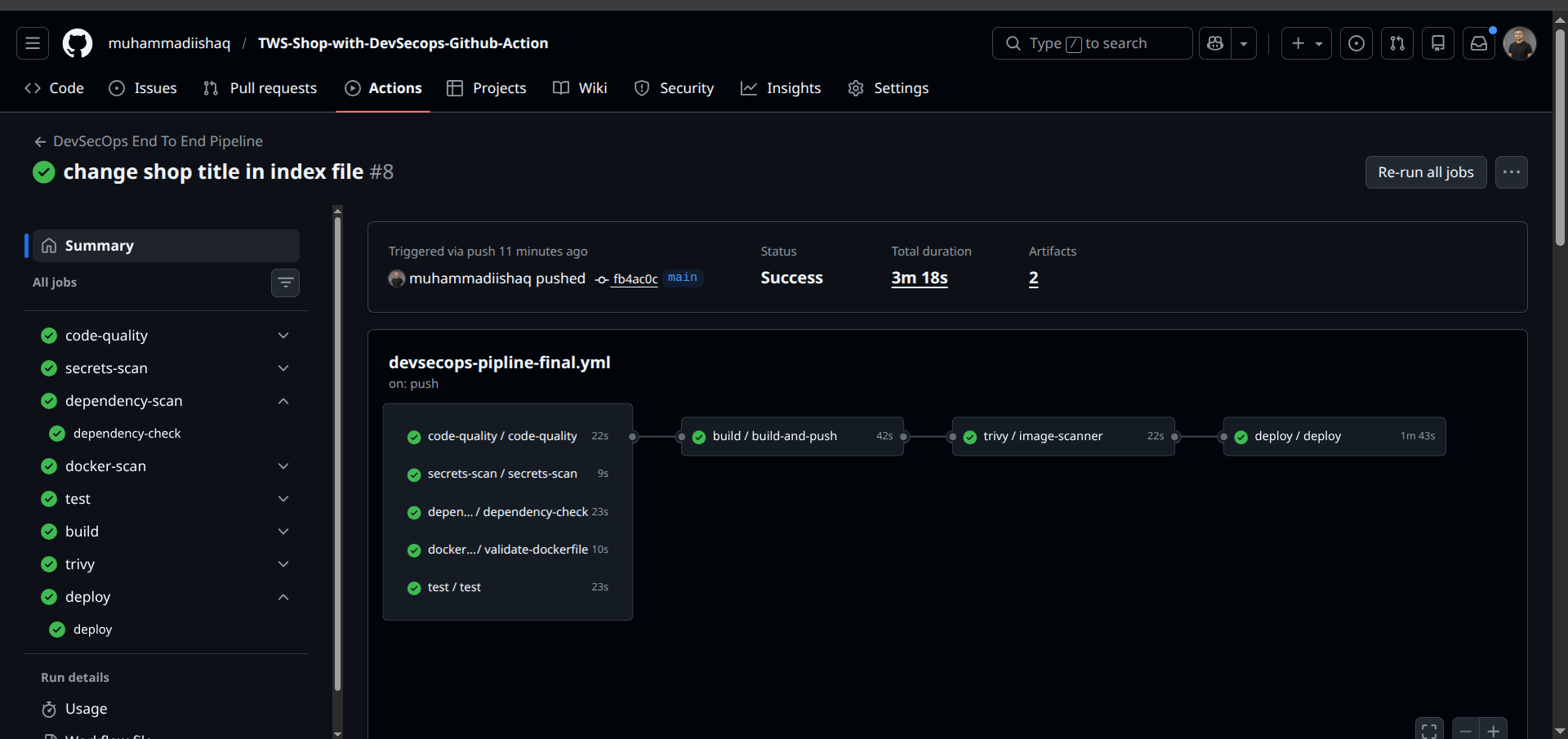
DevSecOps GitHub Actions CI/CD .
The project includes an end-to-end CI/CD pipeline defined in .github/workflows/devsecops-pipline-final.yml
-
Code Quality – Runs ESLint on the project
-
Secrets Scan – Checks for accidental secrets in the code
-
Dependency Scan – Runs npm audit to detect vulnerable packages
-
Dockerfile Lint – Validates your Dockerfile
-
Build and Push Docker Image – Builds the Docker image and pushes to Docker Hub
-
Trivy Image Scan – Scans the Docker image for vulnerabilities
-
Deployment – Deploys the application to a server using Docker Compose
Secrets Used in GitHub Actions
The following secrets are required for the pipeline to work. You can add secret and var in repo setting.
| Secret Name | Description |
|---|---|
EC2_SSH_HOST | IP or hostname of the production server |
EC2_SSH_USER | SSH username for the production server |
EC2_SSH_PRIVATE_KEY | Private key for SSH access to the server |
DOCKERHUB_USER | Docker Hub username |
DOCKERHUB_TOKEN | Docker Hub access token or password |
Note..
These secrets are stored in GitHub repository secrets and are automatically injected into the workflows.
The DevSecOps pipeline ensures only secure and linted code/images are deployed.
Contribution..🤝
Contributions to this project are always welcome. You can make changes, add new features, improve existing tests, or enhance the DevSecOps workflow. If you have improvements or new ideas, simply create a pull request, and together we can build something new and exciting!
👤 Author
Muhammad Ishaq